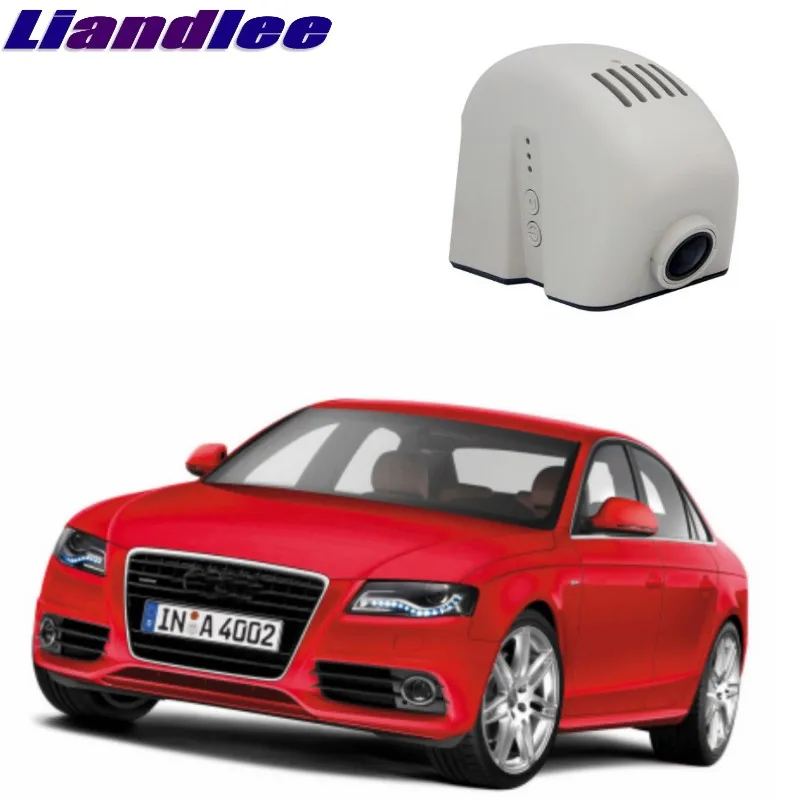
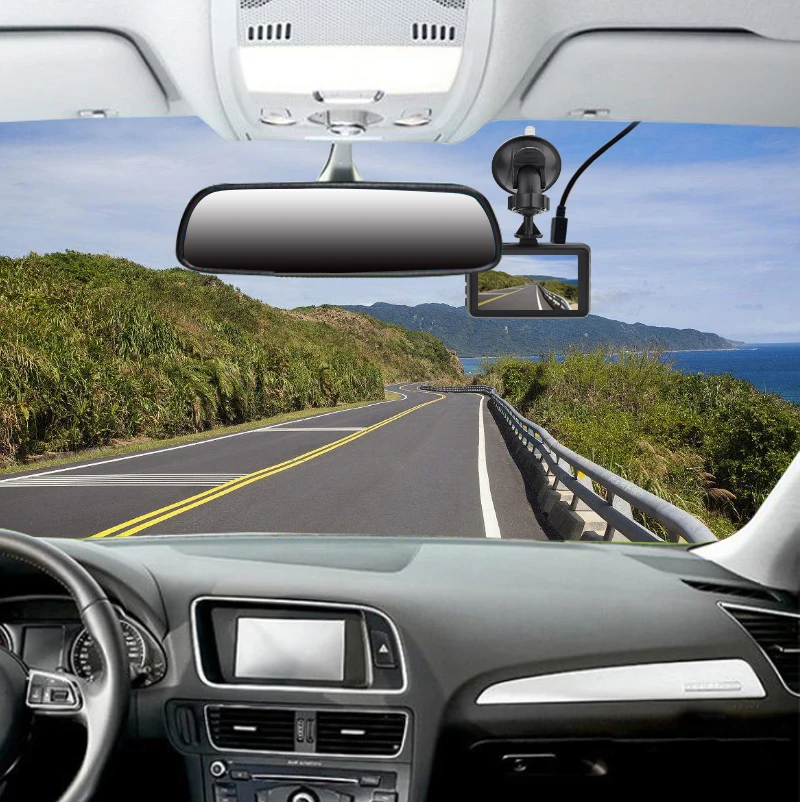
Liandlee For Audi A4 A4L S4 RS4 B8 2008~2016 Car Road Record WiFi DVR Dash Camera Driving Video Recorder |
9361.71
Новое поступление
Характеристики
*Текущая стоимость уже могла изменится. Что бы узнать актуальную цену и проверить наличие товара, нажмите "Добавить в корзину"
| Месяц | Минимальная цена | Макс. стоимость | Цена |
|---|---|---|---|
| Mar-19-2026 | 0.94 руб. | 0.47 руб. | 0 руб. |
| Feb-19-2026 | 0.46 руб. | 0.46 руб. | 0 руб. |
| Jan-19-2026 | 0.84 руб. | 0.0 руб. | 0 руб. |
| Dec-19-2025 | 0.10 руб. | 0.51 руб. | 0 руб. |
| Nov-19-2025 | 0.23 руб. | 0.20 руб. | 0 руб. |
| Oct-19-2025 | 0.49 руб. | 0.32 руб. | 0 руб. |
| Sep-19-2025 | 0.97 руб. | 0.57 руб. | 0 руб. |
| Aug-19-2025 | 0.46 руб. | 0.68 руб. | 0 руб. |
| Jul-19-2025 | 0.82 руб. | 0.92 руб. | 0 руб. |
Описание товара
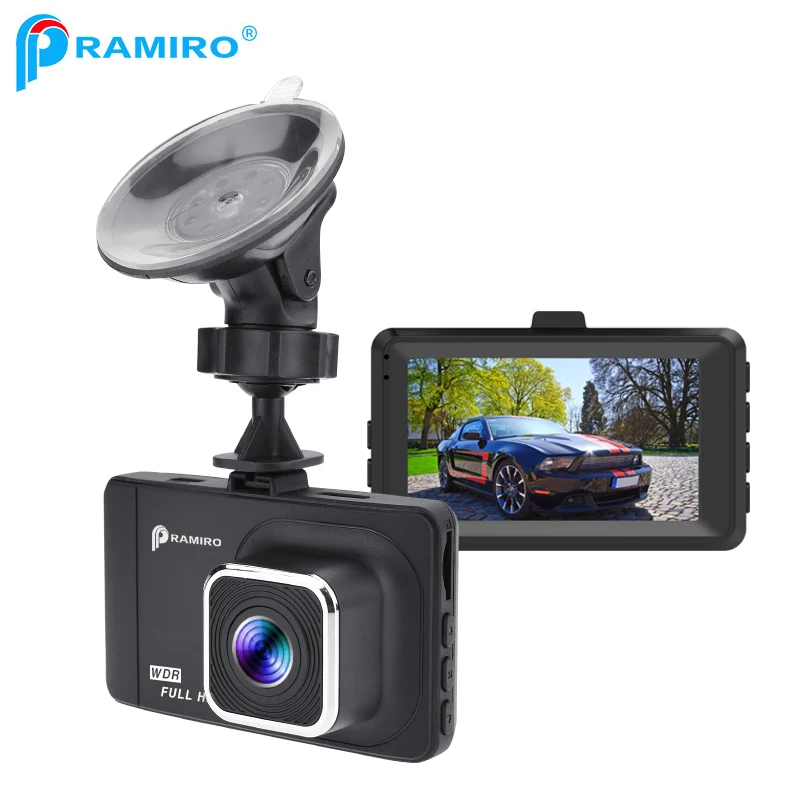
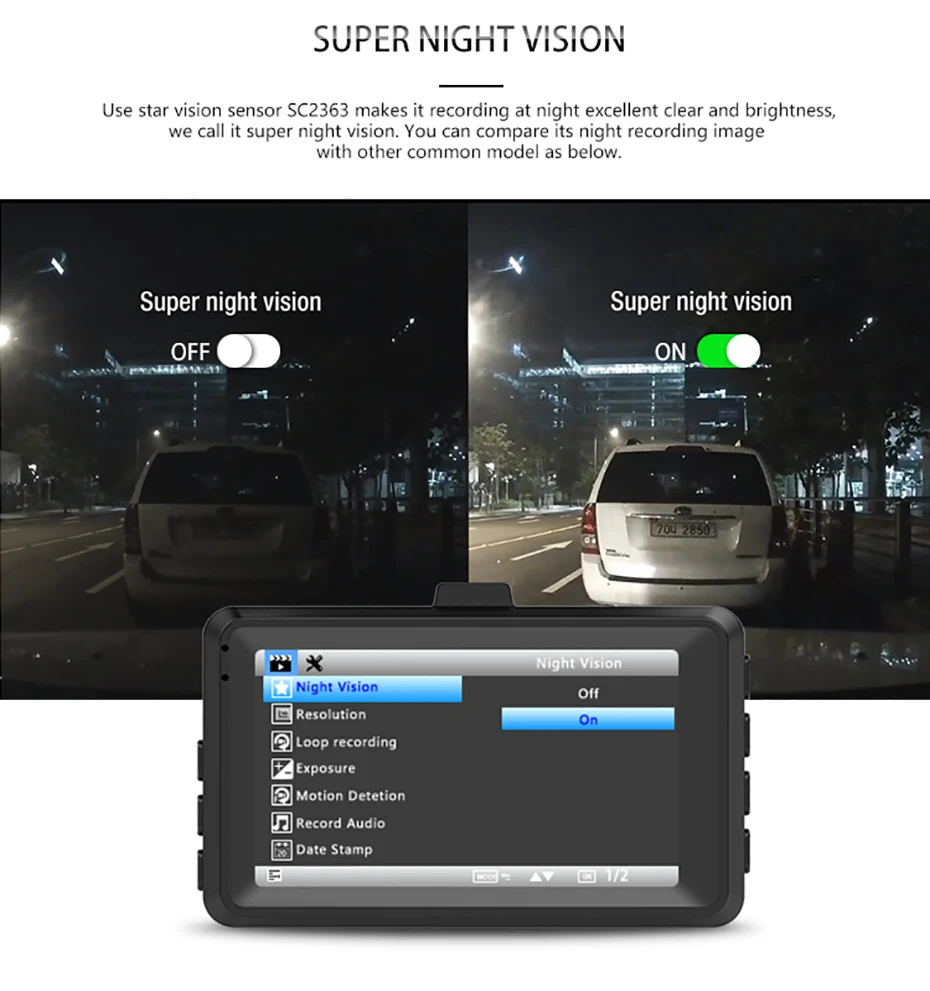
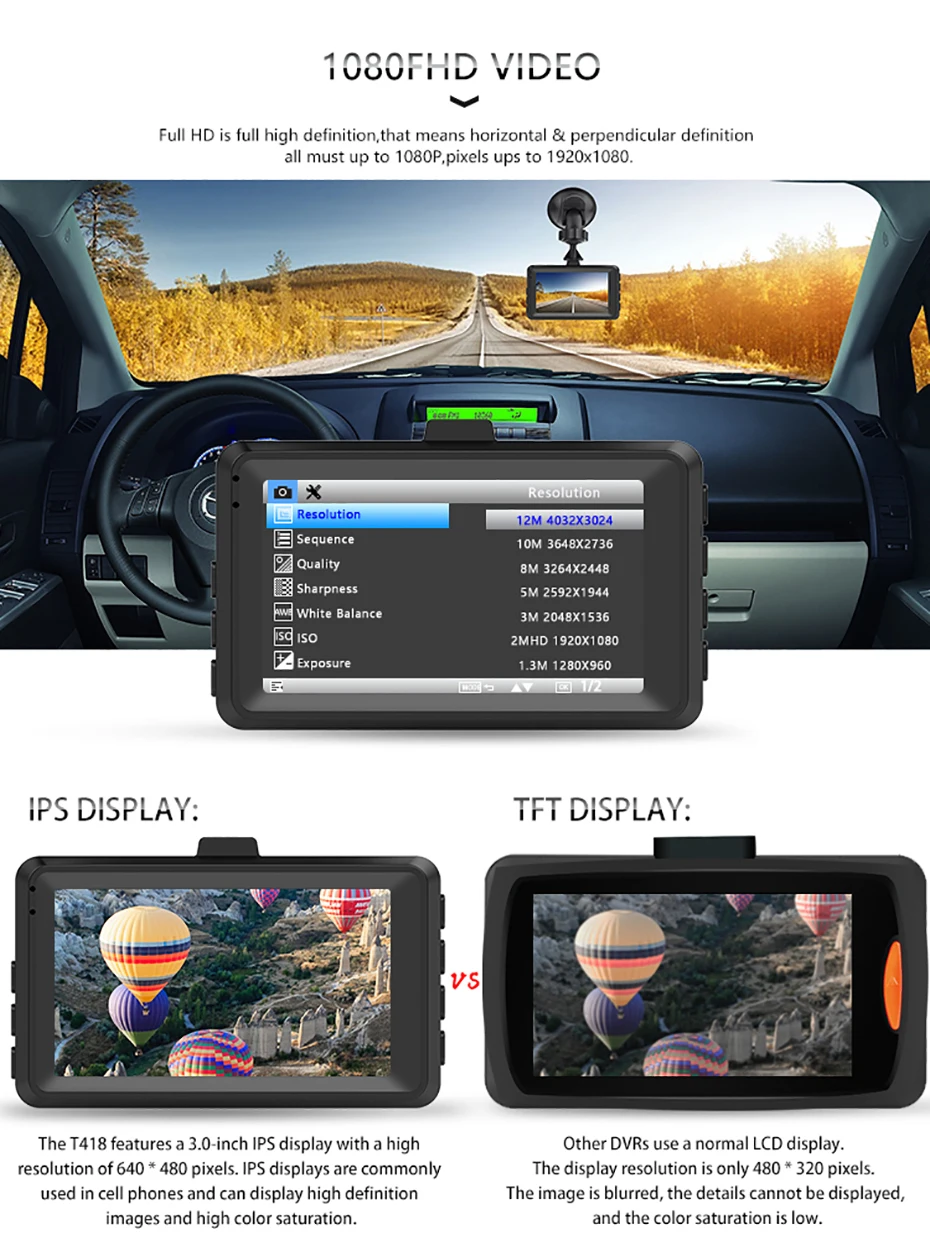
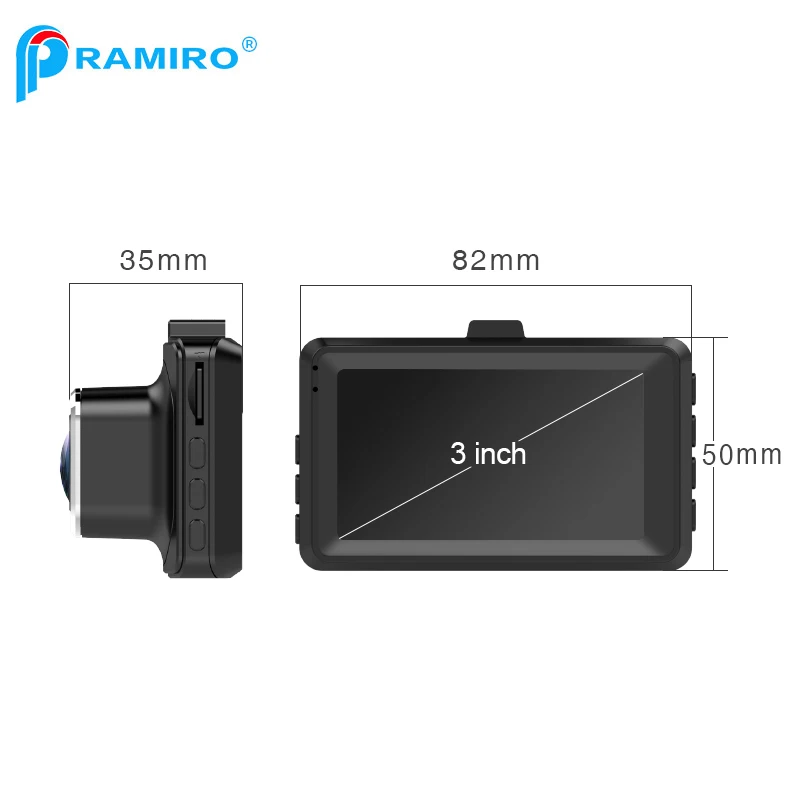
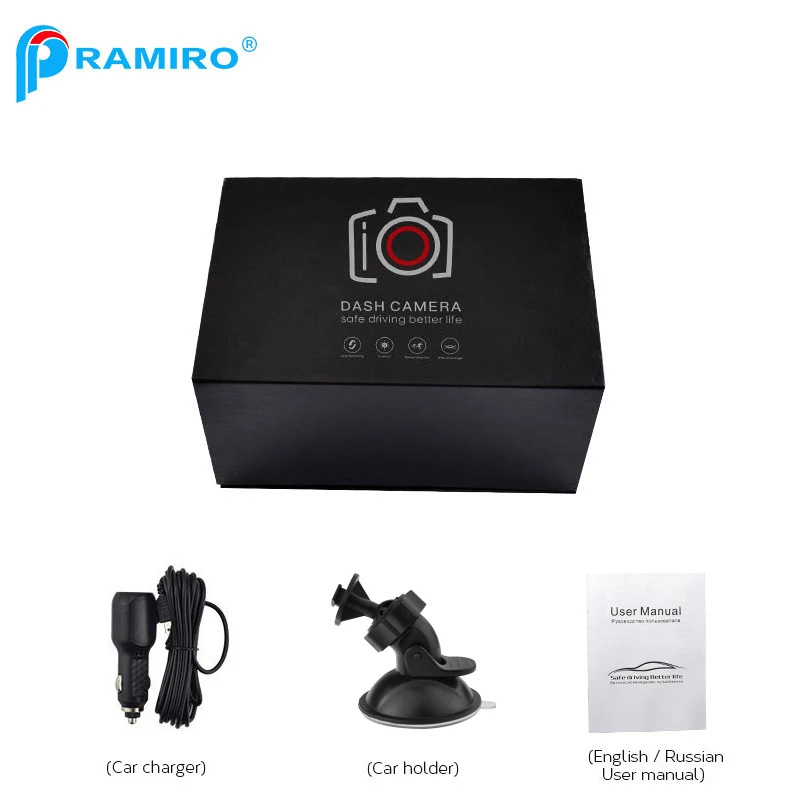
Brand NamePRAMIROPixels1200MegaTouch ScreennoDisplay SizeOtherBatteryBuilt-inOriginal PackageYESItem TypeCar DVRSpecial FeaturesCyclic RecordingSpecial FeaturesWide Dynamic RangeSpecial FeaturesG-sensorSpecial FeaturesNight visionSpecial FeaturesAutomatic White BalanceSpecial FeaturesCycle RecordingSpecial FeaturesMotion DetectionSpecial FeaturesTime&Date DisplaySpecial FeaturesmicrophoneInterfaceMicro SD/TFInterfaceAV-OutInterfaceUSB2.0Chipset ManufacturerOtherVideo CodeH.264Video FormatAVIBattery Lifearound 2~3 minutesOSD LanguageKoreanOSD LanguageThaiOSD LanguageFrenchOSD LanguageSpanishOSD LanguageGermanOSD LanguageRussianOSD LanguagePortugueseOSD LanguageITALIANOSD LanguageJapaneseOSD LanguageChinese (Traditional)OSD LanguagePolishOSD LanguageRomanianOSD LanguageEnglishOSD LanguageChinese (Simplified)Camera Resolution640x480GPS loggerNONEView angle170°Frames Per Second30Max External Memory32GMemory Card Required Reding SpeedClass 10Assembly ModePortable RecorderNumber Of Lenses1Screen Ratio16:9Measurement unitpiece/piecesEach pack1CategoryNight Vision Car CameraModelT418Chipset Generalplus 6248Screen3 inch IPS Display ScreenCamera12.0MP 170° A+ grade ultra wide-angle 4G lensResolutionReal FHD 1080P 1920x1080@30fpsFeature Super Starlight Night Vision Car DVRFunction 1Car RegistrarFunction 2Dash CameraFunction 3Car DVR RecorderFunction 4Car Black box
1. Please remove off the car lighter charger with your car when you don't use this DVR device like
parking, otherwise when your car engine starts big instant electricity current probably burn out your DVR.
2. Whatever SD card is empty or not, you must format the card at the first time in DVR MENU settings
instead of formatting it on the computer, after formatting you can start the DVR to do recording.
3. Please check if your memory card is original brand high-speed Class 10 memory card, if you use
some copy card like Class 4 or Class 6, it will indicate SD card full because it is not compatible.


A: 1) Please check if your memory card is original brand high-speed Class 10 memory card, if you use some copy card like Class 4 or Class 6, it will indicate SD card full because it is not compatible. (note please: DVR max support only 32GB card)
2) Please check your dvr MENU settings if you have open on Loop Recording this function already? You must open Loop Recording this function the previous video can be overwritten.
3) Please check your dvr MENU settings if you have turned off G-Sensor this function already at the same time? If G-Sensor is on, the file will be protected that cannot be overwritten, so the SD card will be full.
4) You must format to clear up your memory card file by hand at least 2~3 times within a month because the memory card inside will have some locked file that happens while driving at some emergency time, but this locked files can not be overwritten automatically. You must delete them by hand.
A: Please check if you have turned on Motion Detect this function already? If Motion detect is on in video mode, once no movement in front, dvr will pause recording after 10s. Once any movement in front dvr again, this function can make dvr detect this motion then continue recording again.
A: When you receive your dvr camera, please check at first if your dvr camera has night vision IR light or LED fill light, if have please open on this light then can make night vision recording better. If can turn on car light to recording that will be more better.
If your dvr camera does not have any IR or LED fill light, you have to open your car light while doing recording at night, unless it can not do recording at night well.
A: Normally if your dvr camera have squeak sound that should be the inside electricity current not fitable, please check if you use usb cable connect computer or some home charger adapter do recharging on this dvr, it is not ok, because this dvr camera can only be recharged with car charger, usb cable can not transfer enough electricity current. Please use our original car charger inside your car to do recharge.
If with car charger still have sound problem, that should be the car charger do not compatible with your car current, please contact our service line do charger replace for you.
A: Please check first if your dvr camera MENU settings open on Parking Monitor and G-Sensor this 2 function already? Normally if Parking Monitor is on the dvr will go to Parking Monitor mode, in this mode status, dvr will auto on once detect any touch or shake, then it will auto off if while no touch. So it will auto on & off continuously.
G-Sensor this function also will lock this status video file to avoid no overwrite then it can keep as Parking evidence. Please turn off this 2 function in MENU settings then try again.
At the same time, please turn off Motion Detect this function in MENU settings also, because if Motion Detect is on, it will auto go to recording once have any movement in front.
A: Please check if your memory card is original brand high-speed Class 10 memory card, if you use some copy card like Class 4 or Class 6, it will indicate SD card full because it is not compatible.
Please check if your memory card is 8GB,16GB or 32GB, this DVR max support only 32GB card, it can not read 64GB card.
Whatever SD card is empty or not, you must format the card at the first time in dvr MENU settings instead of formatting it on the computer, after formatting you can start the dvr to do recording.
A: Please check if your memory card is original brand high-speed Class 10 memory card, if you use some copy card like Class 4 or Class 6, it will indicate SD card full because it is not compatible will happen freeze while recording.
A: Because this dvr is used for car, when it is be designed, inside only have a very small space put for battery, most car dvr inside battery very very small size, then you can know the battery capacity very small, normally you have to recharge the DVR with your car charger to make it work properly. If no recharging, it can only last working around 2~3 minutes. Please note that you must use the original car charger in the product package,if you use other charger causing the product stop work, we don't bear any responsibility, please understand.
Смотрите так же другие товары:


