


Новое поступление

Новый комплект Latumab для платы контроллера ЖК-экрана LTN154X3-L05 ( HDMI + DVI VGA) NT68676 15 4
1 616,31 руб.

Witblue Новинка для 7 "Woxter X 70 X-70 X70 планшет сенсорный экран панель дигитайзер стекло

Черный белый 10 "дюймовый Для Medion Lifetab S10334 MD98811 MD 98811 Tablet PC С Сенсорным экраном

Latumab 3.0" inch LCD screen for GARMIN EDGE 1000 Bicycle GPS display Screen with Touch digitizer Repair replacement | Компьютеры и

Сенсорный экран для Pro-face GP577R-SC11 GP577R-SC41-24VP GP570-BG11-24V | Компьютеры и офис
3 570,57 руб.

Многофункциональный ЖК-экран навигация спутник GPS схема инструмент обслуживание
6 746,34 руб.

7 inch Replacement Screen Capacitive Touch for Supra M74A WI-FI tablet | Компьютеры и офис

LCD display replacement Store
Магазина LCD display replacement Store работает с 05.09.2017. его рейтинг составлет 74.1 баллов из 100. В избранное добавили 798 покупателя. Средний рейтинг торваров продавца 4.1 в продаже представленно 519 наименований товаров, успешно доставлено 15939 заказов. 139 покупателей оставили отзывы о продавце.
Характеристики
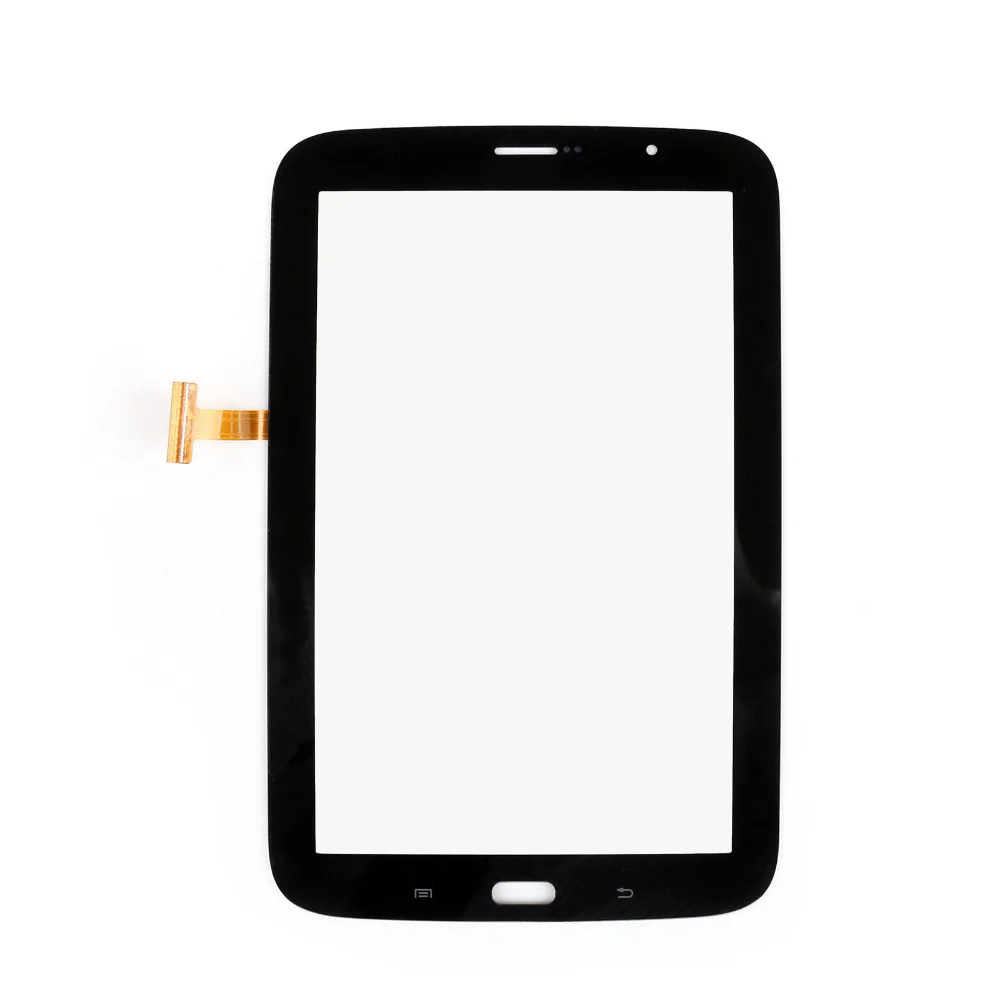
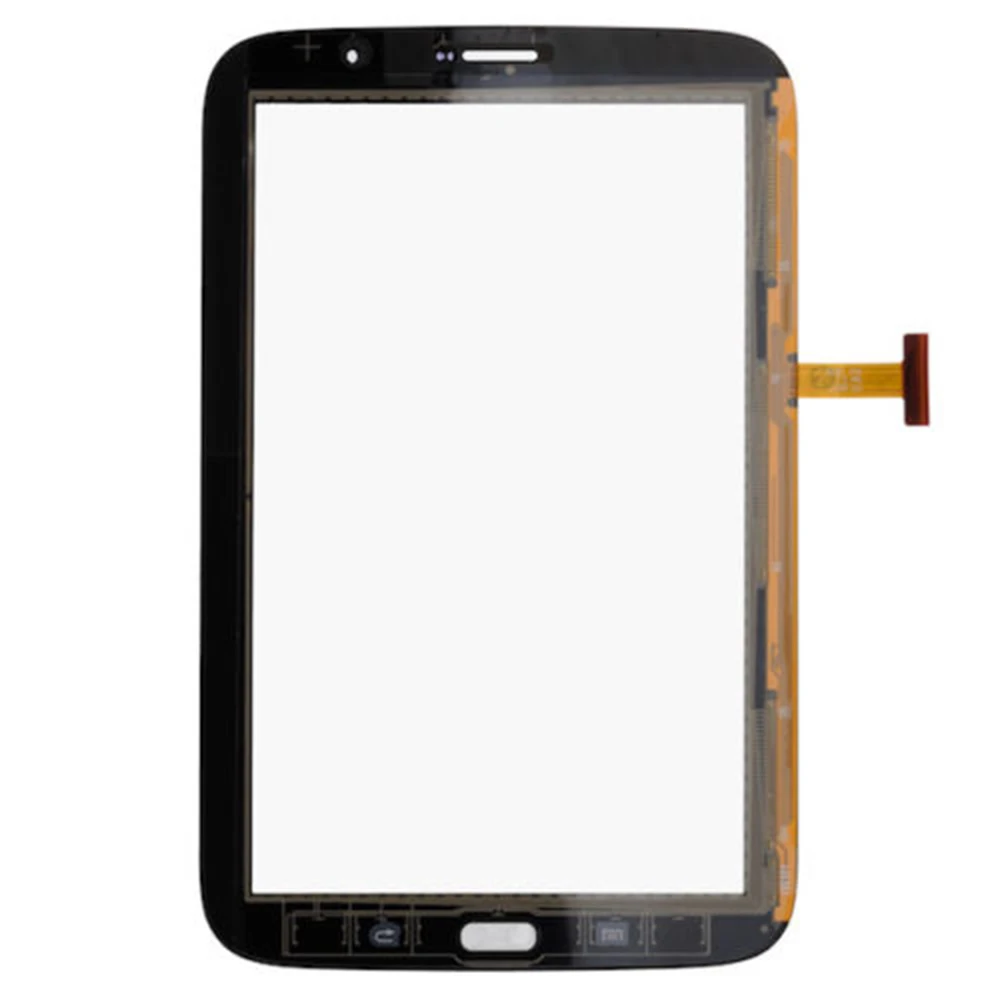
For Samsung Galaxy Note 8.0 GT-N5100 GT-N5110 N5100 N5110 Front Touch Screen Digitizer Panel Glass Sensor | Компьютеры и офис
История изменения цены
*Текущая стоимость 1 084,91 уже могла изменится. Что бы узнать актуальную цену и проверить наличие товара, нажмите "Добавить в корзину"
| Месяц | Минимальная цена | Макс. стоимость | Цена |
|---|---|---|---|
| Mar-23-2026 | 1290.24 руб. | 1355.0 руб. | 1322.5 руб. |
| Feb-23-2026 | 1279.87 руб. | 1343.67 руб. | 1311 руб. |
| Jan-23-2026 | 1073.38 руб. | 1127.63 руб. | 1100 руб. |
| Dec-23-2025 | 1257.22 руб. | 1320.8 руб. | 1288.5 руб. |
| Nov-23-2025 | 1095.92 руб. | 1150.37 руб. | 1122.5 руб. |
| Oct-23-2025 | 1236.41 руб. | 1298.43 руб. | 1267 руб. |
| Sep-23-2025 | 1225.22 руб. | 1286.11 руб. | 1255.5 руб. |
| Aug-23-2025 | 1214.17 руб. | 1275.85 руб. | 1244.5 руб. |
| Jul-23-2025 | 1203.86 руб. | 1263.25 руб. | 1233 руб. |
Описание товара


![_06]()
![_07]()
![_10]()
![_09]() Simple trouble shooting:
Simple trouble shooting:


 Simple trouble shooting:
Pls do the test as below if the screen can't work perfect:
1 Check the appearance of the screen,whether the cable or touch screen is broken;
whether the LCD screen is pressed to leak;whether the part has fallen.
2 Pls check whether the model is correct and whether the motherboard,connector,
CPU and IC can work well.If there's nothing damage,pls turn off your phone.
3 Pls reconnect the flex cable with strength,but pls don't fold or break the cable.
Button type cable should pay attention to the fastening technique,don't use brute
force to avoid damage.
4 Remove all the cable,use alcohol with a clean soft cotton cloth,and gently wipe
the position of each cable interface.To remove the rust from the connector which
affect the circuit connect.Then gently install the cable and start the phone to test.
5 If you have any questions,pls contact with my after-sale department at once.
FAQ & Helpdesk
Q:I want to install the screen by myself,could you provide me a installation video?
A:Yes my friend,if you need the installation video,pls contact with us when you feel
free and we will provide it for you.
Q:What should i do if the screen was broken or the screen can't work?
A:Pls contact with us ASAP when this happens,and we will do our best to help you.
Besides,it will be better if you can recording an unpacking video.
Q:What's the different between the screen with frame and without frame?
A:The screen with frame is the frame has been glued to the screen.So you needn't
glue the frame to the screen by yourself.If you aren't a professional repairman,it
will be better for you to buy a screen with frame,it will easier for you to install.

Смотрите так же другие товары: