

Новое поступление

Умная IP-камера Xiaomi Mi 360 ° 2K 1296P угол обзора градусов | Безопасность и защита
3 153,70 руб.

Brand New Style CMOS 1080P HD Smart Home Wireless Security IP Camera Wi-Fi IR Night Monitor | Безопасность и защита

HIKVISION DS-2CD3321WD-I ультра-низкий свет CCTV IP купольная камера 2MP поддержка EZVIZ Hik-Connect
7 096,20 - 7 469,68 руб.

IP-камера Reolink 4G LTE 1080p с защитой от погодных условий | Безопасность и защита

Интеллектуальная Плавная автоматическая камера AI 4G PTZ с автоматическим зумом в
21 863,75 - 23 357,69 руб.

IP камера Xiaomi Mi Home Security Camera 1080P (MJSXJ02HL) (Global версия) (white) | Безопасность и защита

Фабричная Прямая поставка внешний вид фотокамера AHD960P130 Мегапиксельная
1 232,50 руб.
Характеристики
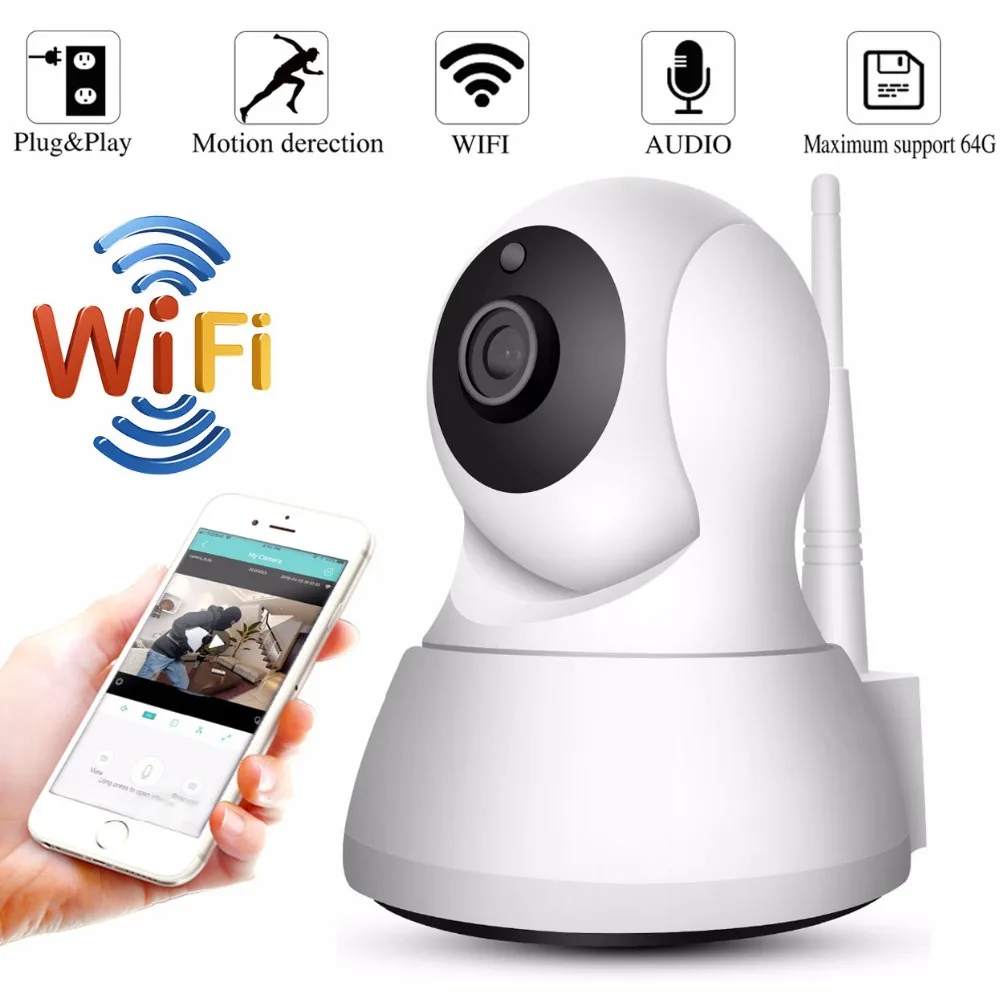
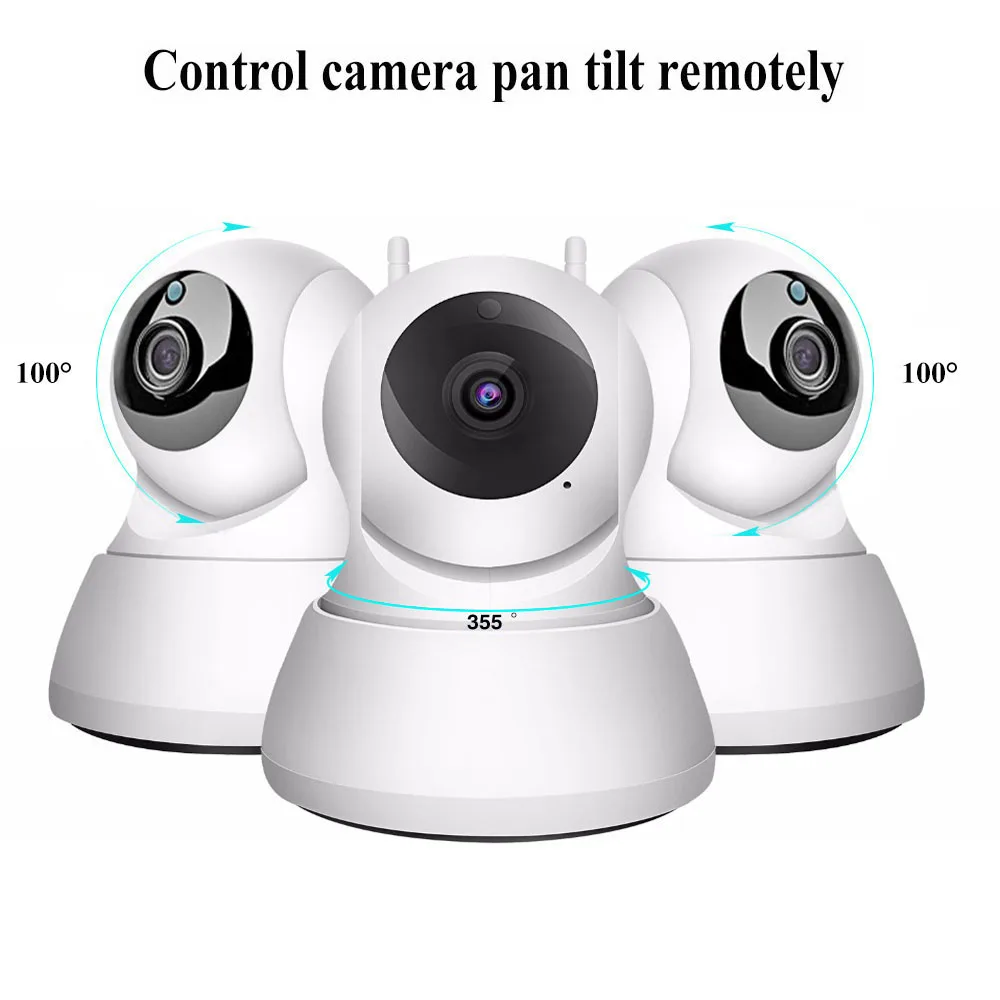
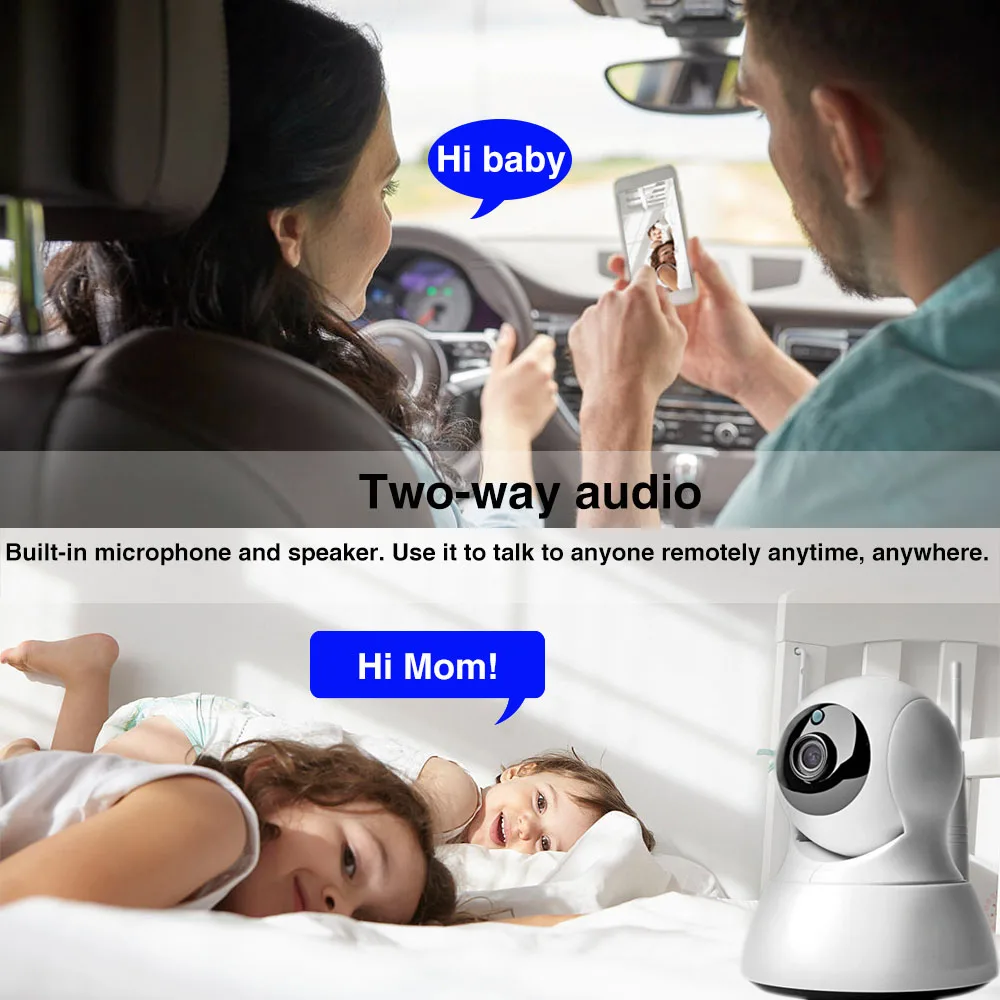
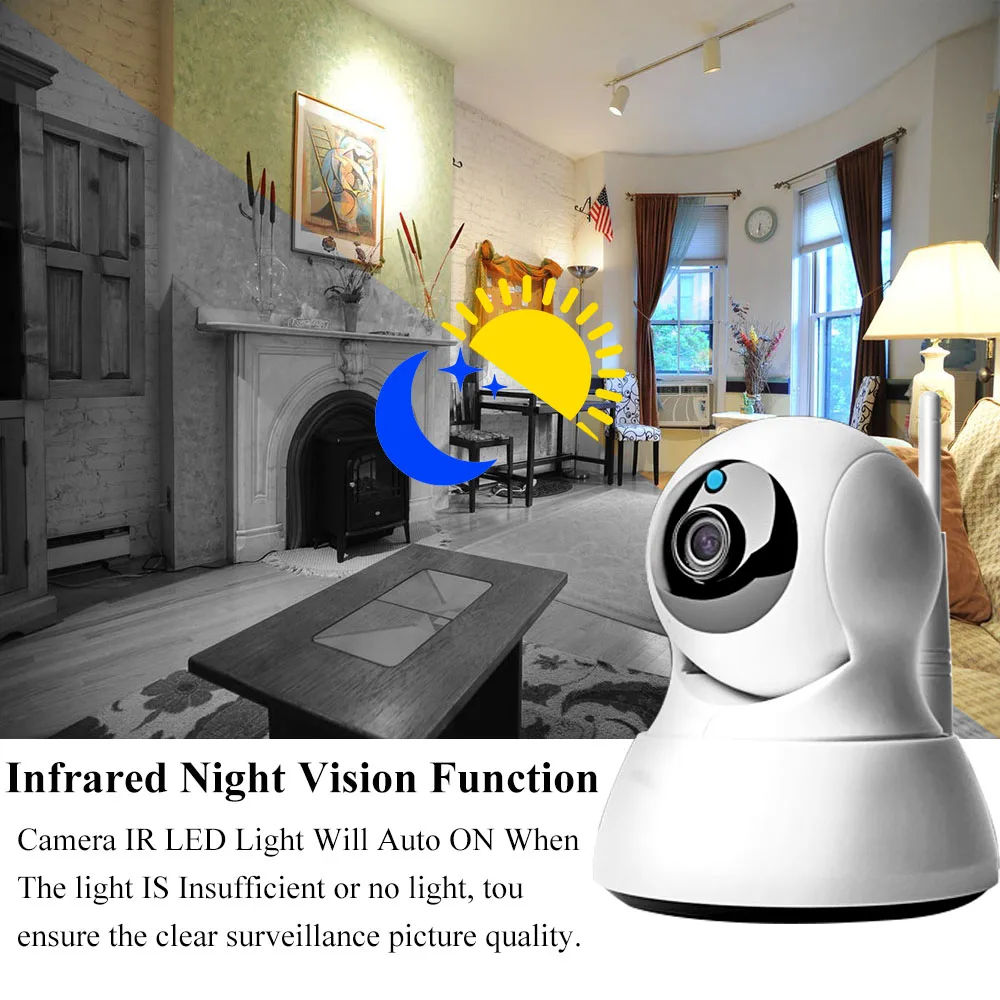
1080P 2MP IP Camera Wireless Surveillance CCTV 720P Wifi Security Babby Monitor Night Vision Two Way Audio | Безопасность и защита
История изменения цены
*Текущая стоимость уже могла изменится. Что бы узнать актуальную цену и проверить наличие товара, нажмите "Добавить в корзину"
| Месяц | Минимальная цена | Макс. стоимость | Цена |
|---|---|---|---|
| Mar-19-2026 | 0.71 руб. | 0.68 руб. | 0 руб. |
| Feb-19-2026 | 0.12 руб. | 0.4 руб. | 0 руб. |
| Jan-19-2026 | 0.79 руб. | 0.31 руб. | 0 руб. |
| Dec-19-2025 | 0.77 руб. | 0.34 руб. | 0 руб. |
| Nov-19-2025 | 0.67 руб. | 0.26 руб. | 0 руб. |
| Oct-19-2025 | 0.78 руб. | 0.1 руб. | 0 руб. |
| Sep-19-2025 | 0.52 руб. | 0.85 руб. | 0 руб. |
| Aug-19-2025 | 0.8 руб. | 0.4 руб. | 0 руб. |
| Jul-19-2025 | 0.41 руб. | 0.41 руб. | 0 руб. |
Описание товара


1 x Mounting bracket and screws 1 x User manual
 FQAS
Why Cannot Connect To WIFI
1.Please make sure the WIFI Password is correct.
2.Please make sure the router signal is stable (place IP Camera close to your router for first connection is Recommended).The Camera will not work on a 5Ghz wireless standard at this time. If you have a dual-band router, be sure to segregate your wireless channels and connect the Camera to the 2.4ghz channel.
Reset
Check The IP Camera: please make sure the IP Camera send Waiting for connection message after the plug. If not, we need to reset the Camera.
1.Why Reset: reset is used to boost the IP Camera system, which become more efficient to accept the unknown router and connect it.
Reset will erase all user settings including WIFI information, access password, alarm information, arming zones information.
2.The Steps: find the reset hole at the bottom of the device, and then use needle to insert it, press it more more than three seconds after hearing "di" sound, when hearing 'Reset to be defaulted setting' sound, reset successfully.
3.After the reset, user can start to connect it by WIFI.
FQAS
Why Cannot Connect To WIFI
1.Please make sure the WIFI Password is correct.
2.Please make sure the router signal is stable (place IP Camera close to your router for first connection is Recommended).The Camera will not work on a 5Ghz wireless standard at this time. If you have a dual-band router, be sure to segregate your wireless channels and connect the Camera to the 2.4ghz channel.
Reset
Check The IP Camera: please make sure the IP Camera send Waiting for connection message after the plug. If not, we need to reset the Camera.
1.Why Reset: reset is used to boost the IP Camera system, which become more efficient to accept the unknown router and connect it.
Reset will erase all user settings including WIFI information, access password, alarm information, arming zones information.
2.The Steps: find the reset hole at the bottom of the device, and then use needle to insert it, press it more more than three seconds after hearing "di" sound, when hearing 'Reset to be defaulted setting' sound, reset successfully.
3.After the reset, user can start to connect it by WIFI.
| Please Kindly Noted, The Camera Supports 2.4GHZ Wi-FI Routers, Not Support 5G. The TF Card Is Not Included In The Packing List. |
| Q :What's APP the camera use ? F: Both XMEYE and iCsee are Ok ! We Strongly Suggest iCsee :)
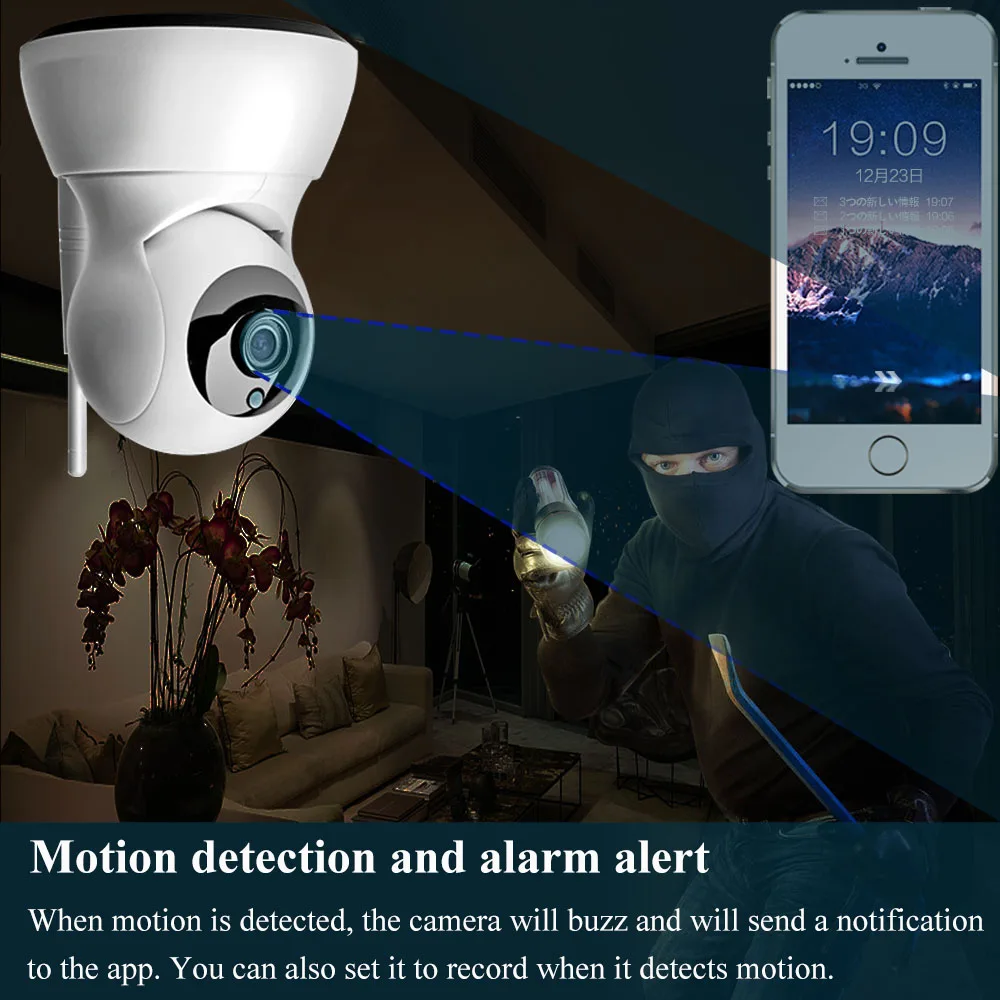
Q: Does it support Motion detected. F: This camera supports motion detectd and it support push Message Alarm to iCSee app. It not support Email Alarm and Photo Alarm, please kindly note:)
Q :What's the default IP address ,username and password. F : The cameras has DHCP IP Address,the router will assign the IP address after it is connected. You can check the IP address in setting menu with APP iCsee The username is admin,no password as default. You need to set the Password after connecting the cameras.
Q :How about the Recording Capacity
F:For 720P,it costs about 1Gb/Hour,we suggest you use the motion detection to save the capacity Or you can connect to the NVR in Router Mode
Q:Does this camera supports ONVIF ? F: No,it not supports ONVIF. But it is compatible with our NVR ,so if you need to set the security system,please use our NVR : )
|
|
 Warranty 1. Normmly we will send the goods within 1-3 working days after your payment is verified by Aliexpress. 2. All items will be carefully test before shipping. We will try our best to avoid any quality problem. 3. We promise warranty for quality in one year and we will repair it free of charge. The returning postage should be paid by customer. 4. If you are not satisfied with the product, please feel free to contact us. We'll provide you a satisfying solution.
Return&Refund You have 7 days to contact us and 30 days to return it from the date it was received.If this item is in your possession more than 7 days,it is considered used and WE WILL NOT ISSUE YOU A REFUND OR REPLACEMENT.There are No EXCEPTIONS.All returned items MUST BE in the original packing.
The buyer is responsible for any tax and /or duty by their country. Import taxes and charges are not included in the item price. Seller wouldn't pay for Any Duty,Import Tax,Import Charge.Buyers please consciously fulfill the obligation of tax payment and customs clearance.
We will provide our best products and service to you.Really hope you're very glad when receiving our package! If you're dissatisfied for any reason,please contact us before leaving negative feedback,we will try our best to help you solve any problem until you're satisfied with your purchase from us!Thank you very much for your support and trust! 1.Most products will be shipped within 72 hours(exclude holiay and weenkend) after clear payment we receive.

|


Смотрите так же другие товары: